← Back to Studio

Master the
AI Fashion Studio

Learn how to create professional-grade fashion visualizations. From elegant sarees to sharp sherwanis, we guide you every step of the way.

Your Creative Workflow

1

Choose Your AI Canvas

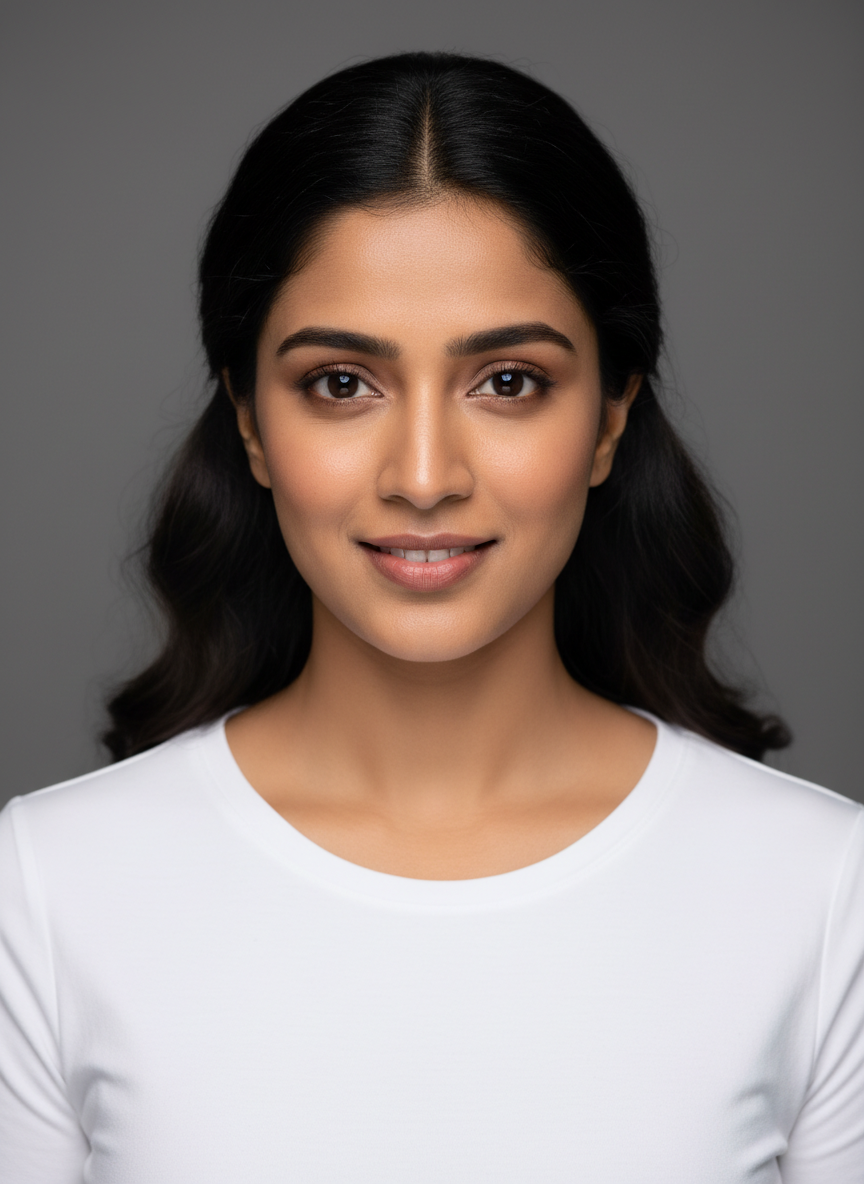
Start by selecting a base model. You can choose from our gallery of high-quality AI models or generate a completely unique face with a single click. Our AI preserves the model's ethnicity and features while perfectly fitting the garment.

Choose Your AI Canvas
2

Define the Outfit Mode

Tell the AI how you're uploading the clothes. This is crucial for accurate wrapping and texture alignment.

View Detailed Image Guidelines

Separate Parts

Best for mixers. Upload Choli and Lehenga separately to preserve all details.

Full Outfit

Best for complete sets. Use a single photo of the model wearing the full dress.

Fine-Tune Every Detail

Customize styles and features below

Drape Styles (Saree)

Nivi Modern
Nivi Modern
Marathi
Marathi
Gujarati
Soon
Gujarati
Bengali
Soon
Bengali

Lehenga Silhouette

A-Line
A-Line
Flared
Flared
Mermaid
Mermaid

Dupatta Drape

Side
Side
Royal
Royal
Head Veil
Head Veil

Blouse & Sleeve Details

Sleeveless
Sleeveless
Elbow Sleeve
Elbow Sleeve
Full Sleeve
Full Sleeve
Short Sleeve
Short Sleeve

Dress & Kurti Styles

Straight Kurti
Straight Kurti
Anarkali
Anarkali
Kurti Set
Kurti Set
Sharara
Sharara
Gharara
Gharara
Gown
Gown
Dhoti Style
Dhoti Style

Collar Styles

Boat Neck
Boat Neck
Keyhole Neck
Keyhole Neck
Victorian
Victorian
Angrakha
Angrakha
Potli Neck
Potli Neck
Sweetheart
Sweetheart

Western Fashion & Poses

Select from Auto, Casual, or Formal modes to style your uploaded western garments.

Standing Poses
Front View
Front View
Ramp Walk
Ramp Walk
Dynamic Style
Dynamic Style
Sitting Poses
Sitting Front
Sitting Front
Sitting Left
Sitting Left
Sitting Right
Sitting Right

Bridal Fashion

Bridal Saree
Standing Pose
Standing Pose
Sitting Pose
Sitting Pose
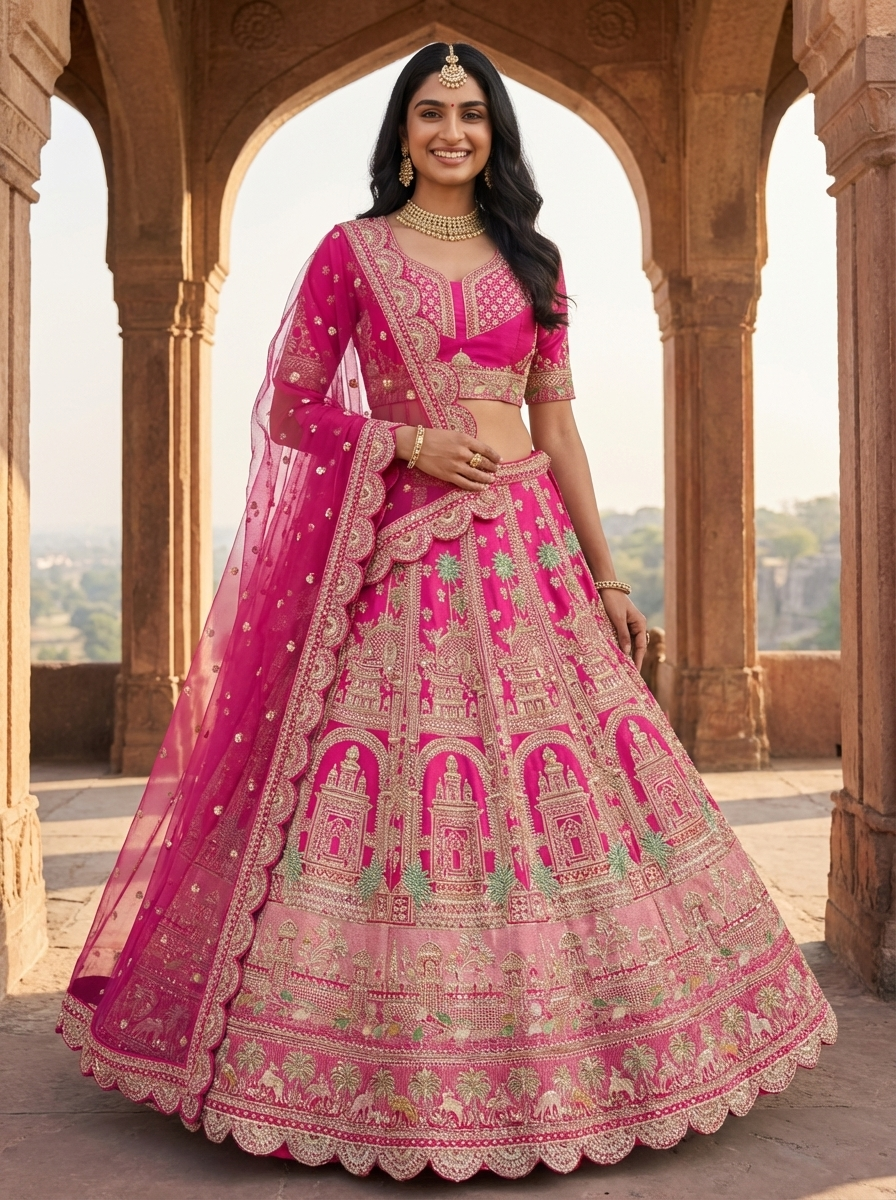
Bridal Lehenga
Standing Pose
Standing Pose
Sitting Pose
Sitting Pose
Luxury Bridal Logic

Our specialized Bridal mode supports Separate Parts for maximum precision:

Bridal Saree Set

Upload Saree, Pallu, Blouse, and Head Veil separately for fabric-perfect renders.

Bridal Lehenga Set

Upload Choli, Skirt, and Dupatta separately to capture intricate embroidery.

Jewellery Swapping
NecklaceRingEarringsBangleAnkletWaistband

Macro Focus: For Rings, Bangles, and Anklets, the AI automatically zooms in on hands or feet for high-detail captures.

3

Poses & Environments

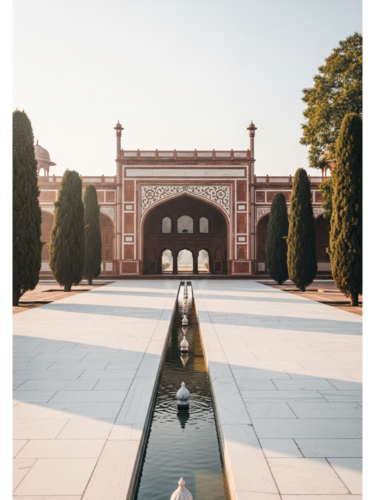
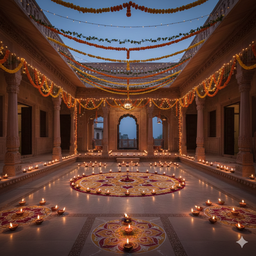
Set the scene and stance for your fashion photoshoot. Choose from various standing or sitting poses, and pair them with AI-suggested backgrounds or state-themed landscapes.

Standing FrontDynamic FashionSitting-Front
State
State Vibe
Festival
Festival Theme
Upload Own
Custom Scene
Best Practices

Detailed Image Guidelines

Follow these specific requirements for each clothing type to ensure high-quality AI generation.

Saree Guide

Do This
Do

Upload full length image showing pallu.

Do

Use separate blouse upload for perfect fit.

Avoid
Avoid

Folded sarees (hides border details).

Avoid

Blurry patterns or low light.

Lehenga Guide

Do This
Do

Focus on heavy embroidery details.

Do

Upload Dupatta separately for best drape.

Avoid
Avoid

Low resolution images.

Avoid

Mixing parts in one image upload.

Jewellery Guide

Do This
Do

Close-up macro shot on plain background.

Avoid
Avoid

Photos inside glass display cases (glare).

Avoid

Cluttered backgrounds.

Dress Guide

Do This
Do

Front-facing, straight camera angle.

Do

Use "Parts Mode" if Top & Bottom differ.

Avoid
Avoid

Clothes on hangers with distorted necklines.

Avoid

Selfies in mirrors.

Pro Guidelines

YES: Neutral Background

Photograph garments against plain white or gray walls.

YES: Even Lighting

Natural daylight captures true colors and textures best.

YES: Flat Positioning

Lay clothes flat on a surface or use a clean mannequin.

NO: Busy Poses

Avoid uploading photos of people wearing the clothes.

NO: Harsh Shadows

Strong directional light creates confusing texture gaps.

NO: Folded Garments

Ensure the item is spread out and fully visible.

NO: Low Resolution

Blurred images lead to unnatural, warped textures.

PREMIUM TIP

Use 4K Quality + Photo Enhance for catalog-ready results.

Ready to Create?

Transform your fashion concepts into reality with our professional AI tools. Experience the future of digital garment visualization today.